Custom KDE Raspberry Pi OS Build "BUTOS" OUT NOW!
Download at bottom of the page.
About BUTOS
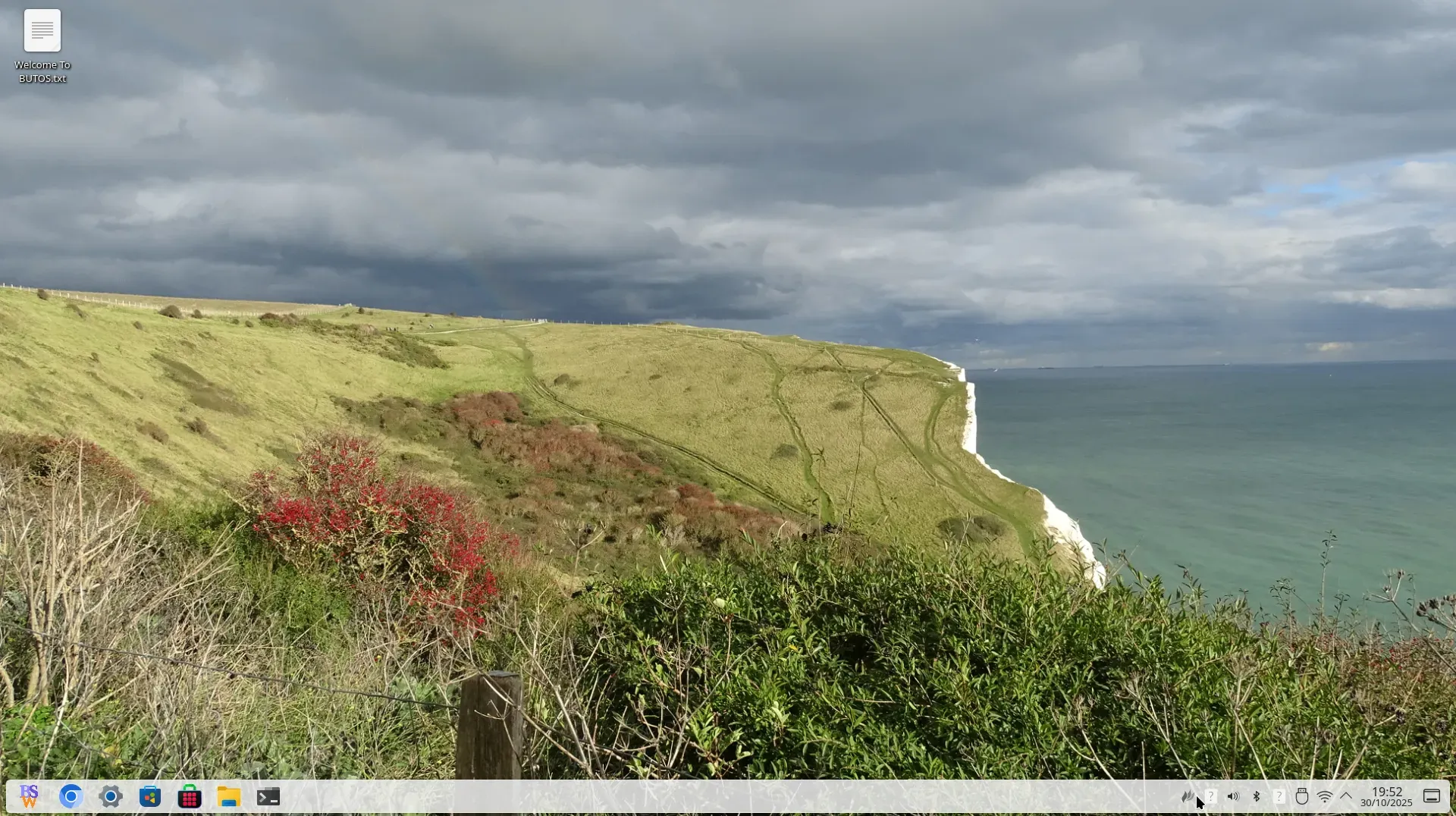
BUTOS (Butler OS) is a customized version of Raspberry Pi OS created by Butlersoftworks. We use Raspberry Pi 5 boards in our everyday projects, so we built a version of Raspberry Pi OS that performs well on real hardware, looks neat, and is easy to maintain.
BUTOS isn’t a new operating system; it’s a polished, ready-to-use build. Our goal is simple: provide users with a reliable and adaptable system that works well for both work and learning.
System Overview
BUTOS is based on Debian 13 (Trixie) and uses the KDE Plasma 6.3.6 desktop environment. It includes the standard Raspberry Pi tools, access to the latest Debian packages, and a clean desktop setup designed for the Raspberry Pi 5.
We’ve focused on keeping it lightweight and consistent. It contains no unnecessary extras, just what’s needed to get started comfortably.
What’s Included
- KDE Plasma Desktop — simple, reliable, and easy to customize
- Optimized for Raspberry Pi 5 — runs smoothly on standard hardware
- Debian 13 Base — modern packages with long-term support
- Clean Interface — a calm design suitable for general use
- Fully Compatible — works with Raspberry Pi configuration tools and updates
DO NOT EDIT RASPBERRY PI IMAGER SETTINGS
First Steps
When you first start BUTOS, log in with:
Username: butlersoftworks
Password: raspberry
It’s essential to change this password the first time you use the system to keep it secure. To do that:
- Open the Terminal.
- Run this command:
sudo raspi-config
- Select System Options → Password.
- Enter your new password and confirm it.
- Exit the menu and reboot your Pi.
You can also use the same menu to adjust your regional settings, enable SSH, or expand the filesystem.
Updating the System
To keep BUTOS up to date with the latest software and security fixes, open a terminal and type:
sudo apt update
sudo apt full-upgrade
We recommend checking for updates occasionally, especially after a new Debian release.
Minimum System Requirements
BUTOS is designed specifically for the Raspberry Pi 5 and is not supported on older models.
To run it properly, your system should meet at least the following:
Raspberry Pi 5 (Model B)
4 GB of RAM or more
16 GB microSD card (Class 10 or higher) or a USB 3.0 drive
Official Raspberry Pi 5 power supply or equivalent 27 W USB-C PSU
HDMI display, plus a keyboard and mouse for setup
Network connection (Ethernet or Wi-Fi) for updates and online tools
Using lower-end storage or power supplies may cause slow performance or boot issues.
For best results, use reliable hardware and update regularly.
DISCLAIMER
BUTOS (Butler OS) is an independent project developed for use with Raspberry Pi hardware. It is not affiliated with, endorsed by, or sponsored by the Raspberry Pi Foundation, Raspberry Pi Ltd, or the KDE e.V. “Raspberry Pi” is a trademark of Raspberry Pi Ltd. “KDE” and “KDE Plasma” are trademarks of KDE e.V.
Download!
BUTOS
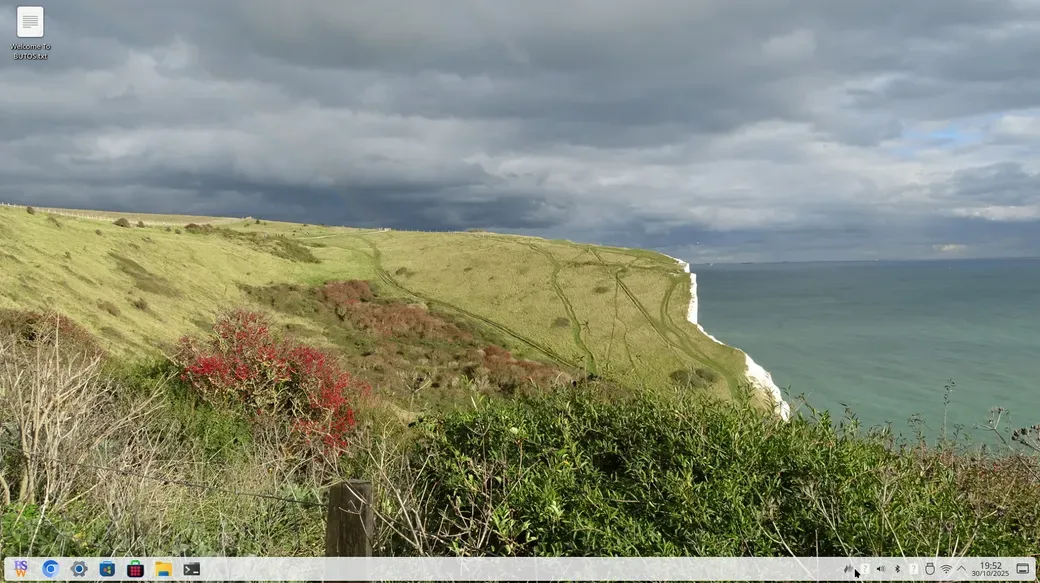
BUTOS (Butler OS) is a customized version of Raspberry Pi OS created by Butlersoftworks. We use Raspberry Pi 5 boards in our everyday projects, so we built a version of Raspberry Pi OS that performs well on real hardware, looks neat, and is easy to maintain.