Put your maps on display
Discover the power of QGIS Web Client. Take full advantage of the latest technologies and display your maps as you please in the web and enable everybody to see the world the way you do!

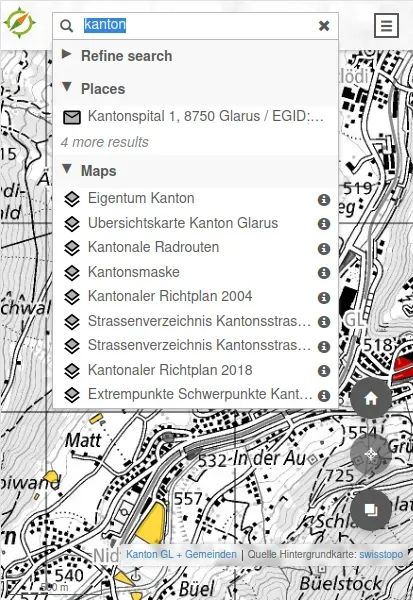
Searching
Search with configurable providers

Feature info
Object information (feature info)
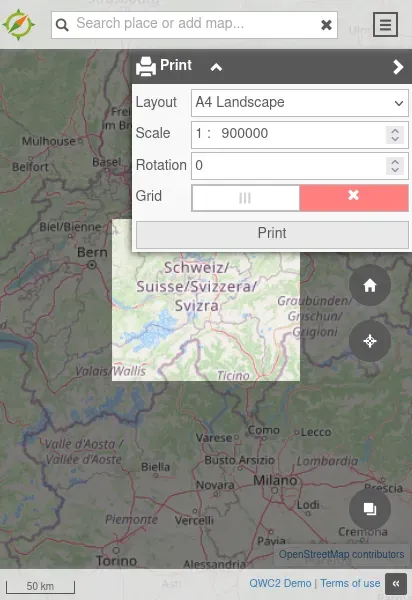
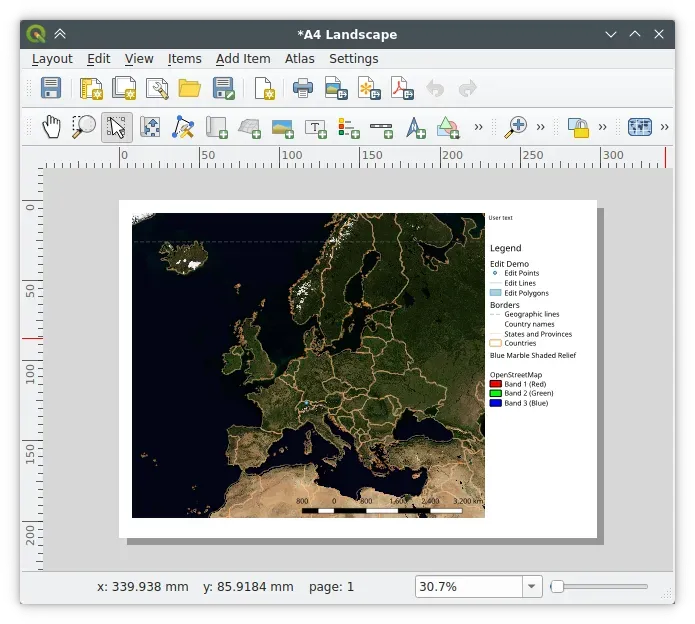
Printing
Print editor

Explore QWC: Fantastic for keeping things simple
What is QGIS Web Client?
QGIS Web Client (QWC) is a powerful tool that brings geographic information system (GIS) capabilities to the web, allowing users to access, visualize, and interact with spatial data through their browsers.
How QWC Works
Our QGIS Web Client service operates by integrating with your existing spatial databases and GIS projects, transforming them into user-friendly web applications. This enables users to explore maps, run queries, and analyze geographic data in real-time. We ensure that the interface is intuitive and responsive, supporting various devices and platforms to provide seamless geospatial data access wherever you are.
Why Choose Sourcepole?
With years of experience in GIS and web technologies, Sourcepole stands out by offering tailored solutions that combine technical expertise with local knowledge. We provide comprehensive support, from initial setup and customization to ongoing maintenance and updates. Our commitment to quality and customer satisfaction means your Project will be reliable, efficient, and perfectly aligned with your operational goals.
Platzhalter

Without additional services
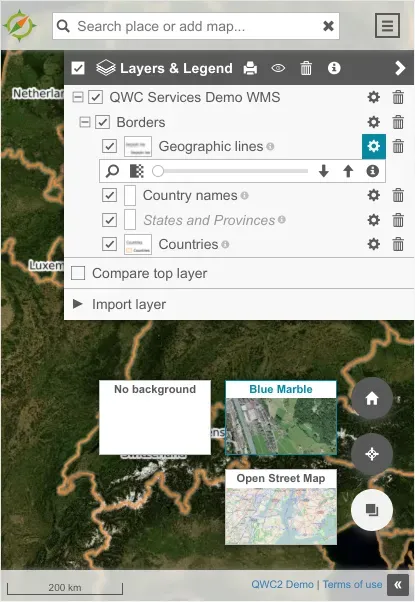
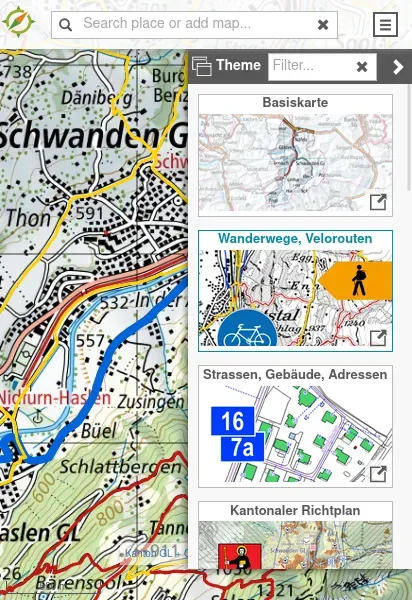
Theme switcher (a theme is a published QGIS project)
Switchable background layers
Layer tree
Object information (feature info)
Search with configurable providers
Measurement tools
Redlining (sketching)
URL sharing
Geolocation
PDF printing
Raster and DXF export
Compare layers
Import external layers (WMS, WFS, WMTS, KML, GeoJSON)

When run as part of the qwc-services ecosystem
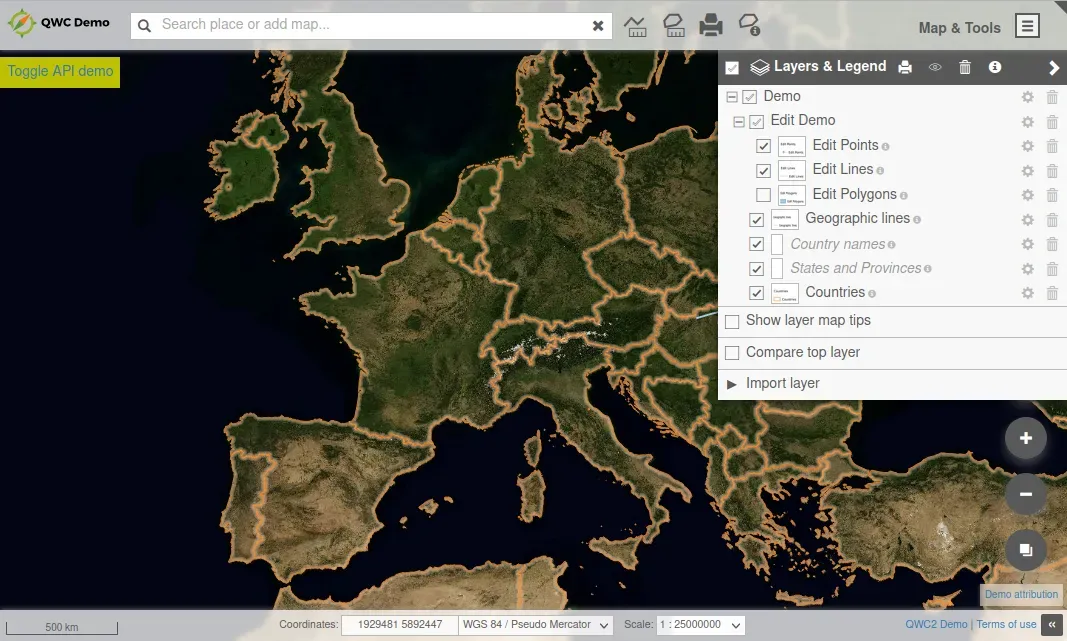
In addition to the already mentioned functionalities from left to right:
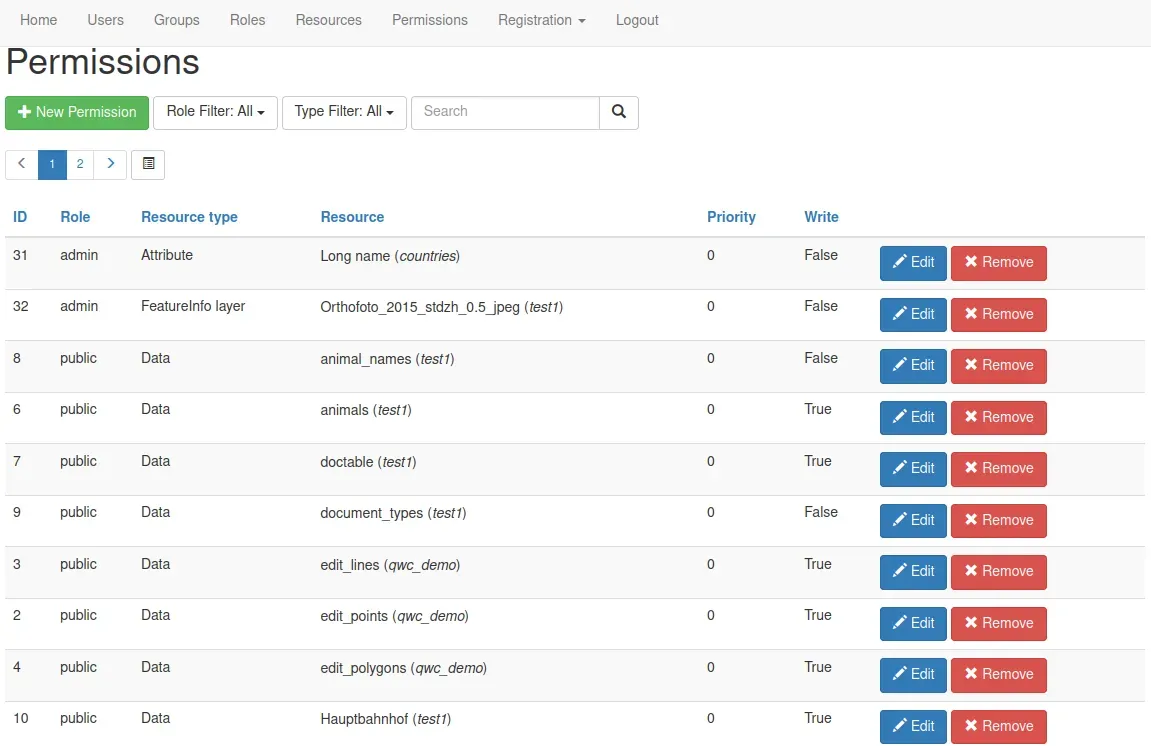
User administration
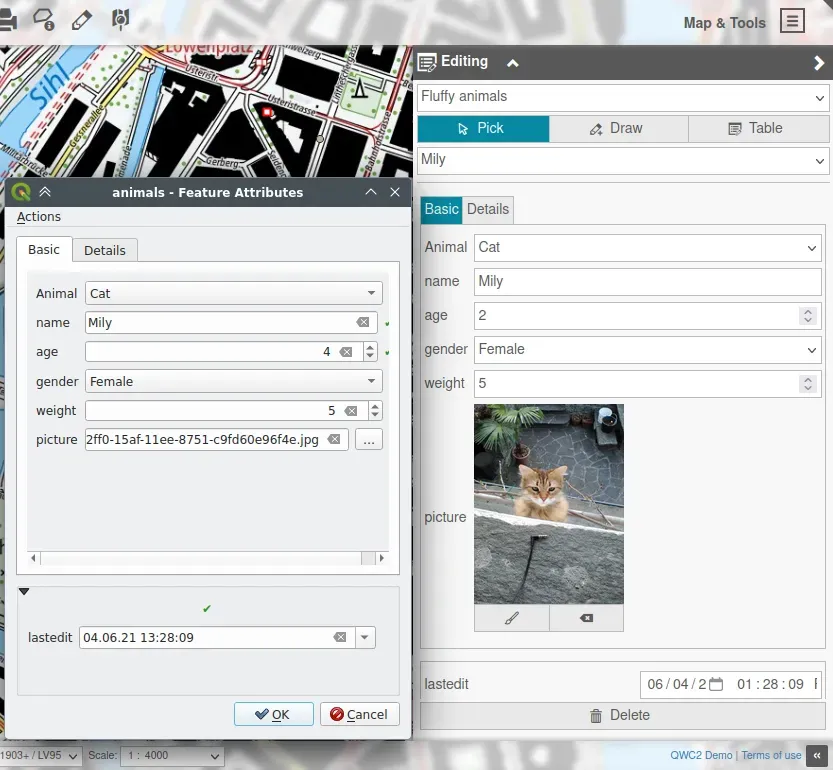
Editing
Fulltext search
Compact permalinks
Height profile
Custom feature info templates
Mapinfo popup
Reports (via Jasper)

QWC-services enterprise relevant functionalities
Docker/Kubernetes or WSGI deployments
Multi-tenant setup
Custom service integration
Multiple authentication backends
Gallery