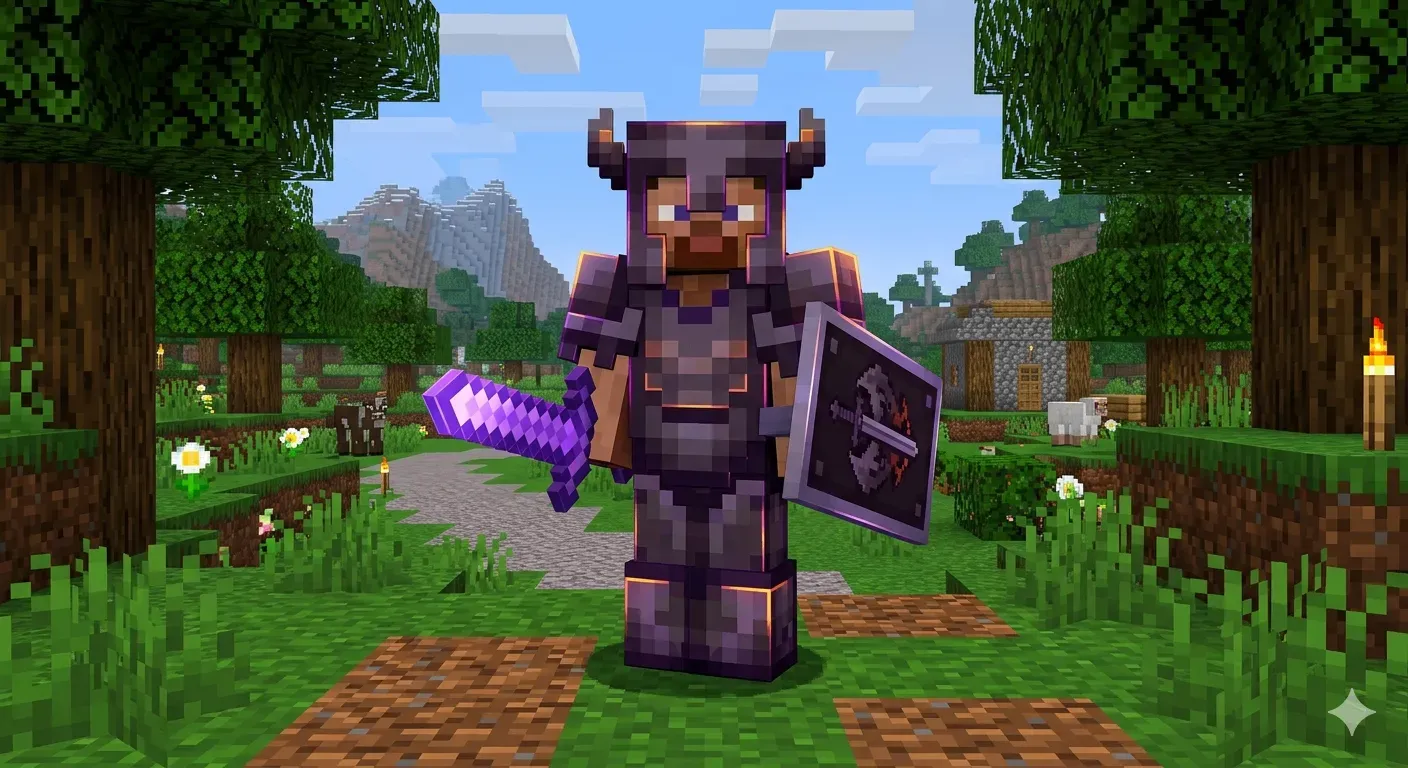
How to Create an armor
1. Texture Preparation Before opening
MCreator, you'll need two types of graphics files:
Item Icons: The 16x16 (or 32x32) textures you'll see in your inventory (helmet, breastplate, greaves, boots).
Model Textures (Armor Layer): These are the files that "wrap" the player's body.
Layer 1: Covers the helmet, breastplate, and boots.
Layer 2: Covers the greaves.
You can create them using MCreator's internal generator or software like Blockbench.
2. Creating the "Armor" Element
Click the + button (Add New Element) and select Armor. Give your armor a name (e.g., ObsidianArmor).
Visual Tab: Insert the icon textures into the appropriate slots. Under "Armor Texture," load the two layers you've prepared. Properties Tab:
Armor toughness: Resistance to heavy hits (2.0 is the diamond value).
Armor knockback resistance: How much it reduces knockback when you're hit.
Repair item: The item needed to repair it in the anvil.
Max damage: Total durability.
3. Adding Special Effects (Procedures)
See the trigger section