Navigate AI Chats Easily
ThreadLine adds visual anchors to long AI conversations, making complex chats easier to follow and understand.
Key Features
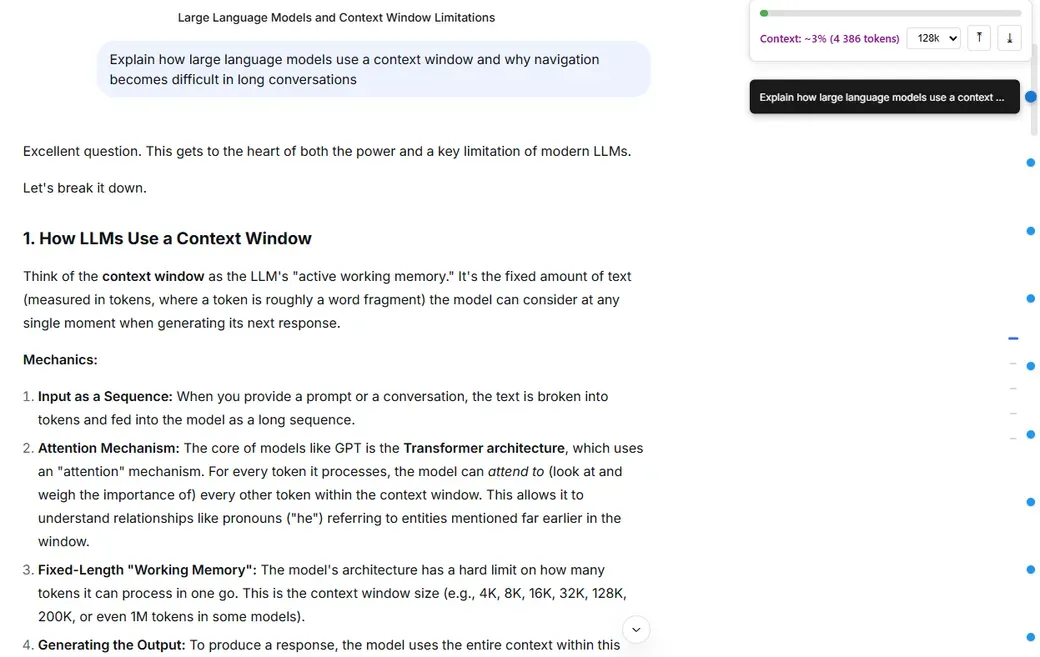
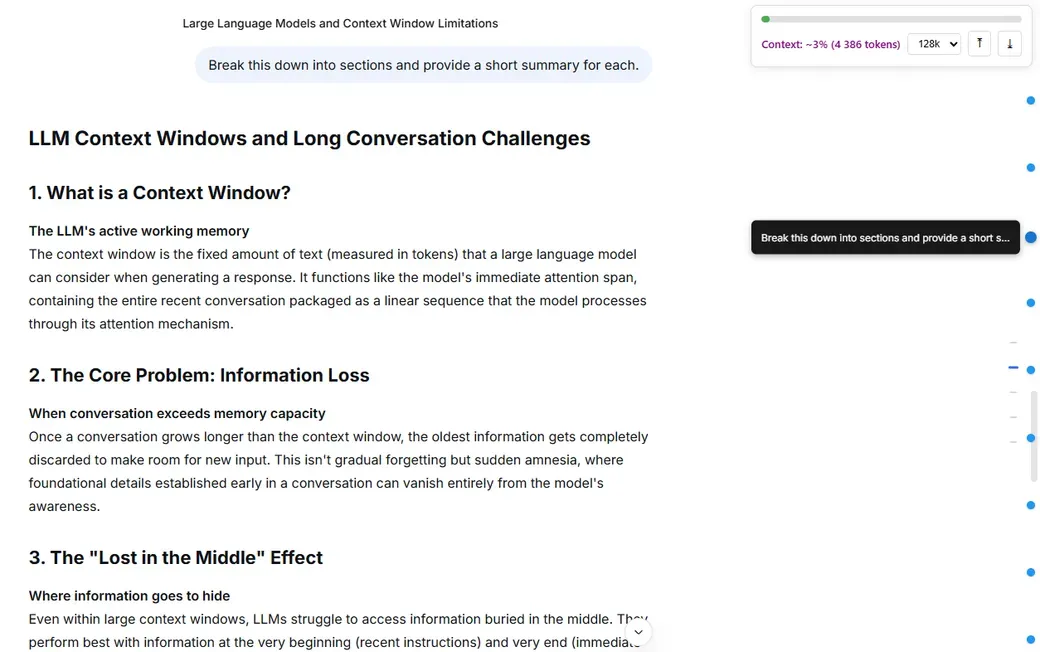
Visual Message Anchors
Quickly jump to any part of a long conversation and see its structure at a glance.
Designed for Long Chats
Works best when discussions grow large and scrolling becomes inefficient.
Lightweight and Local
Runs entirely in your browser without sending chat data anywhere.
Context Usage Indicator
Helps estimate how much of the conversation context is currently occupied.
Gallery
Frequently Asked Questions
Does ThreadLine change how the AI works?
No. ThreadLine does not affect the AI model or its responses. It only adds visual navigation tools to help you move through long conversations.
Is token usage shown exactly?
No. ThreadLine provides an estimated view of context usage to help you understand how large a conversation has become. Actual token usage may vary depending on the model.
Is my chat data collected or sent anywhere?
No. All processing happens locally in your browser. ThreadLine does not send chat content to external servers.
Which AI chat platforms are supported?
ThreadLine works with popular web-based AI chat interfaces and may expand to additional platforms over time.
How can I support the project?
ThreadLine is free to use. If you find it helpful, you can support development through optional donations.